How to set up Portals
- Subscribe to PortalsVPN on the order page.
- Download and install the PortalsVPN app.
- Click connect and use the censorship-free internet the way you want to use it!
If you need help, the PortalsVPN Support Team is available via live chat and email.

Connect in 3 steps
Step 1
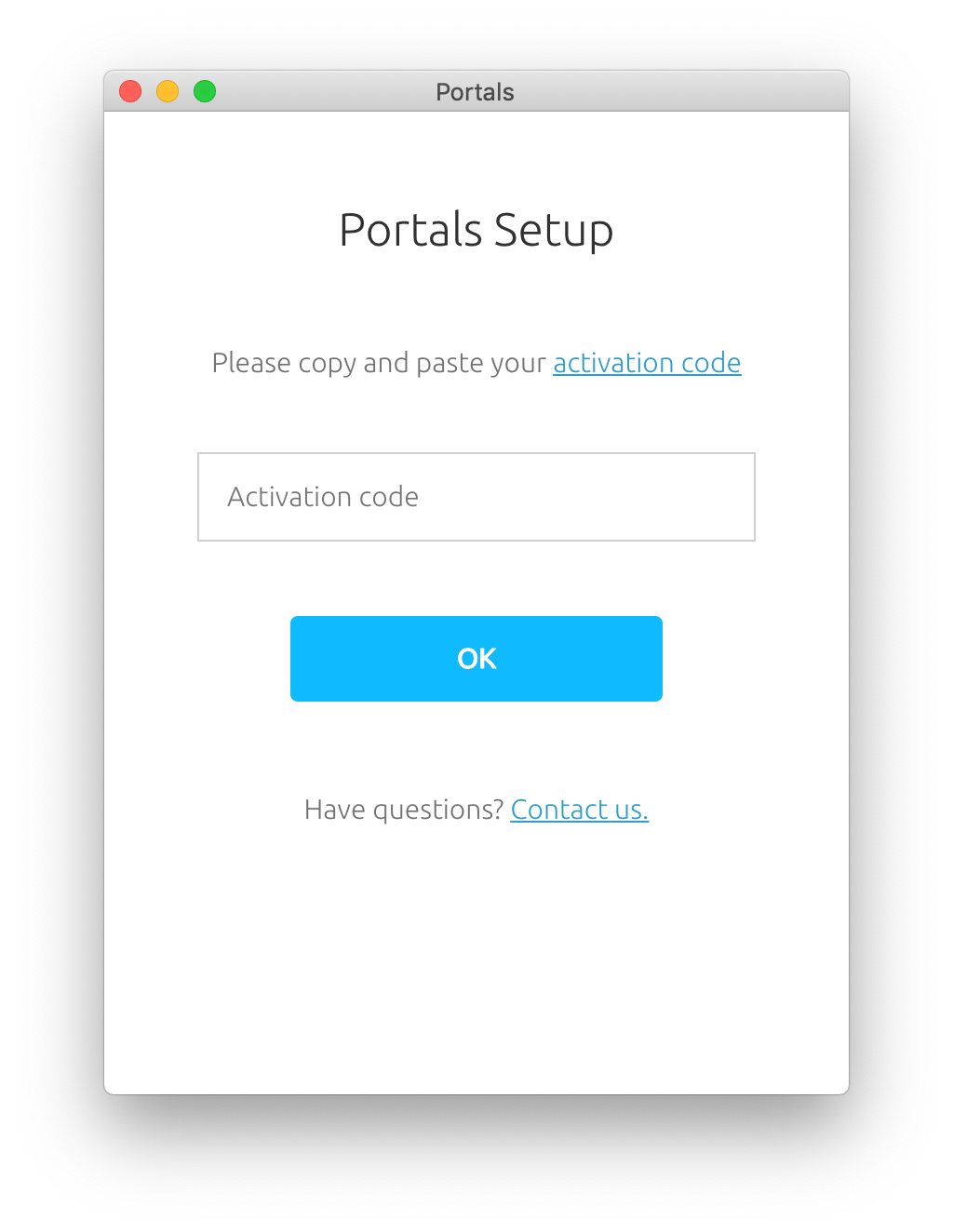
Enter activation code
Paste the activation code you received after subscribing.
Step 2
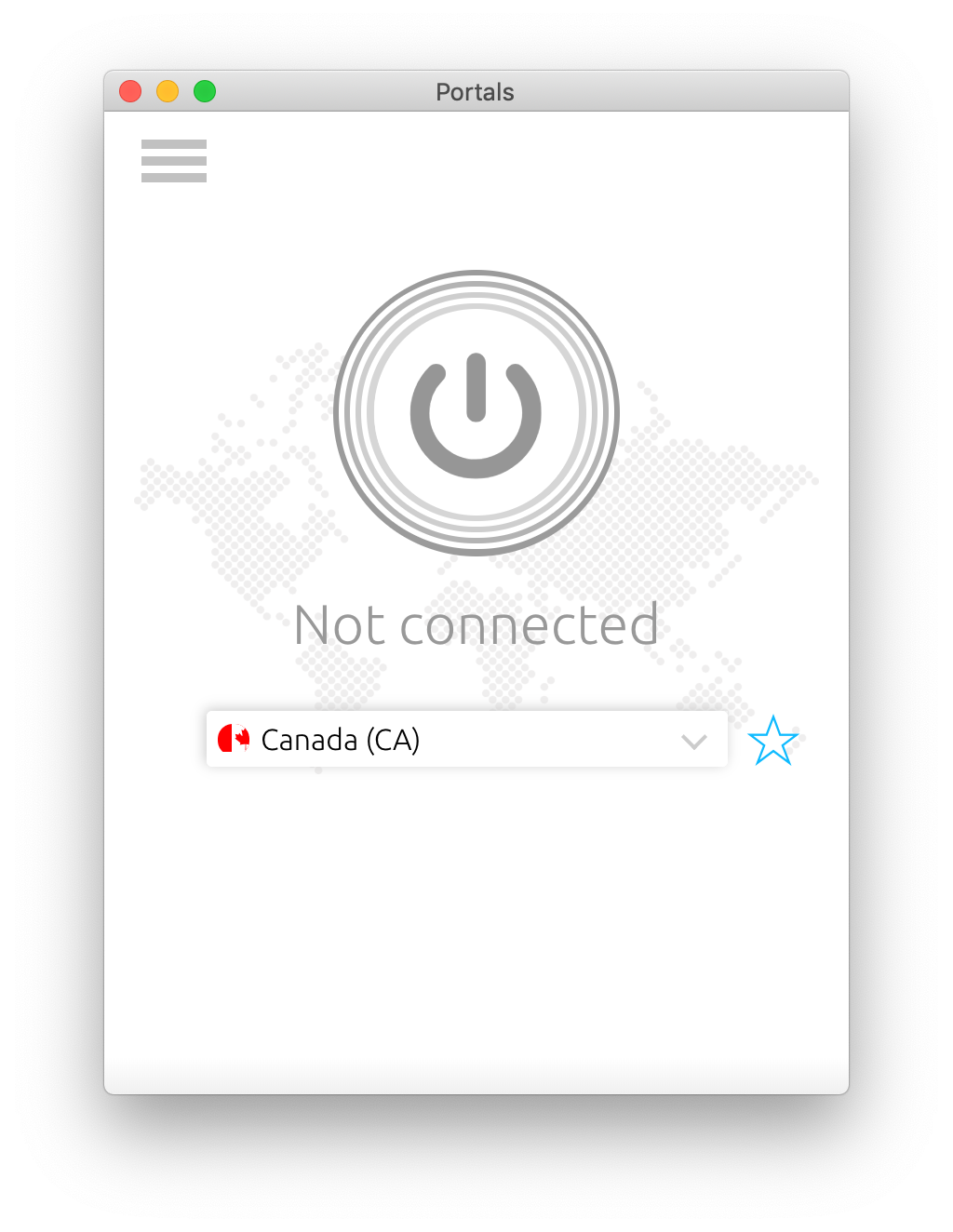
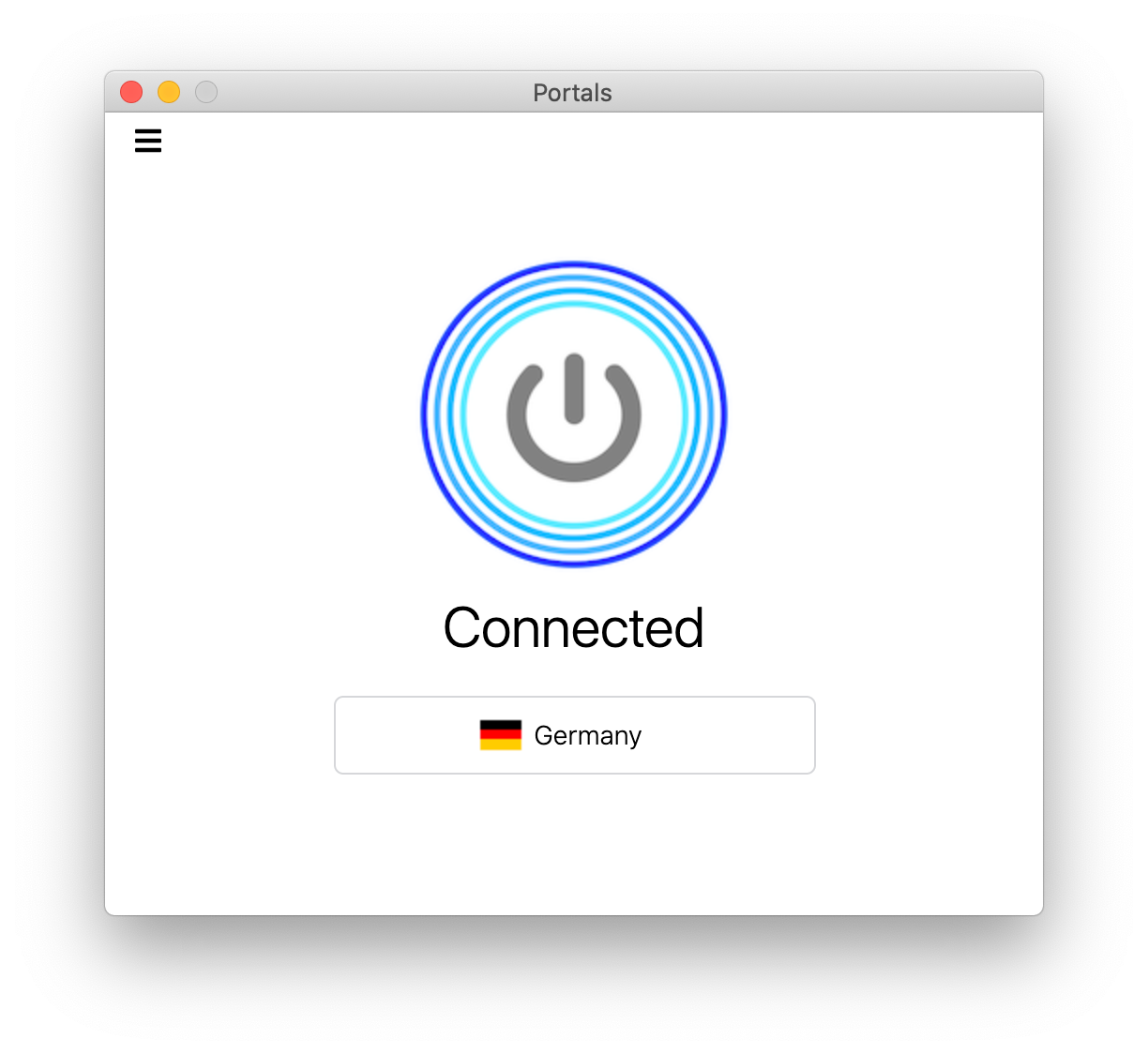
Tap connect
Select a country (optional), then click connect to start.
Step 3
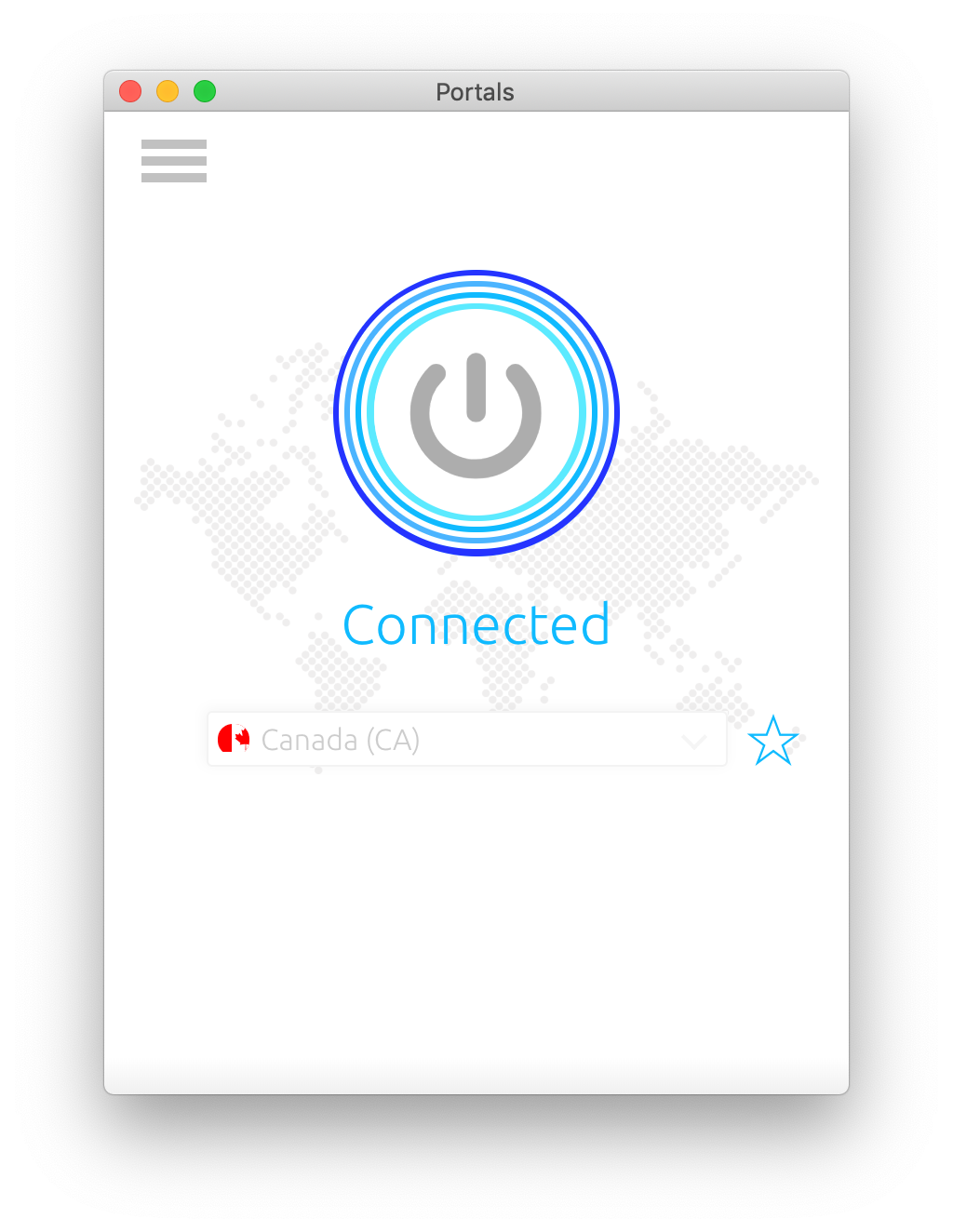
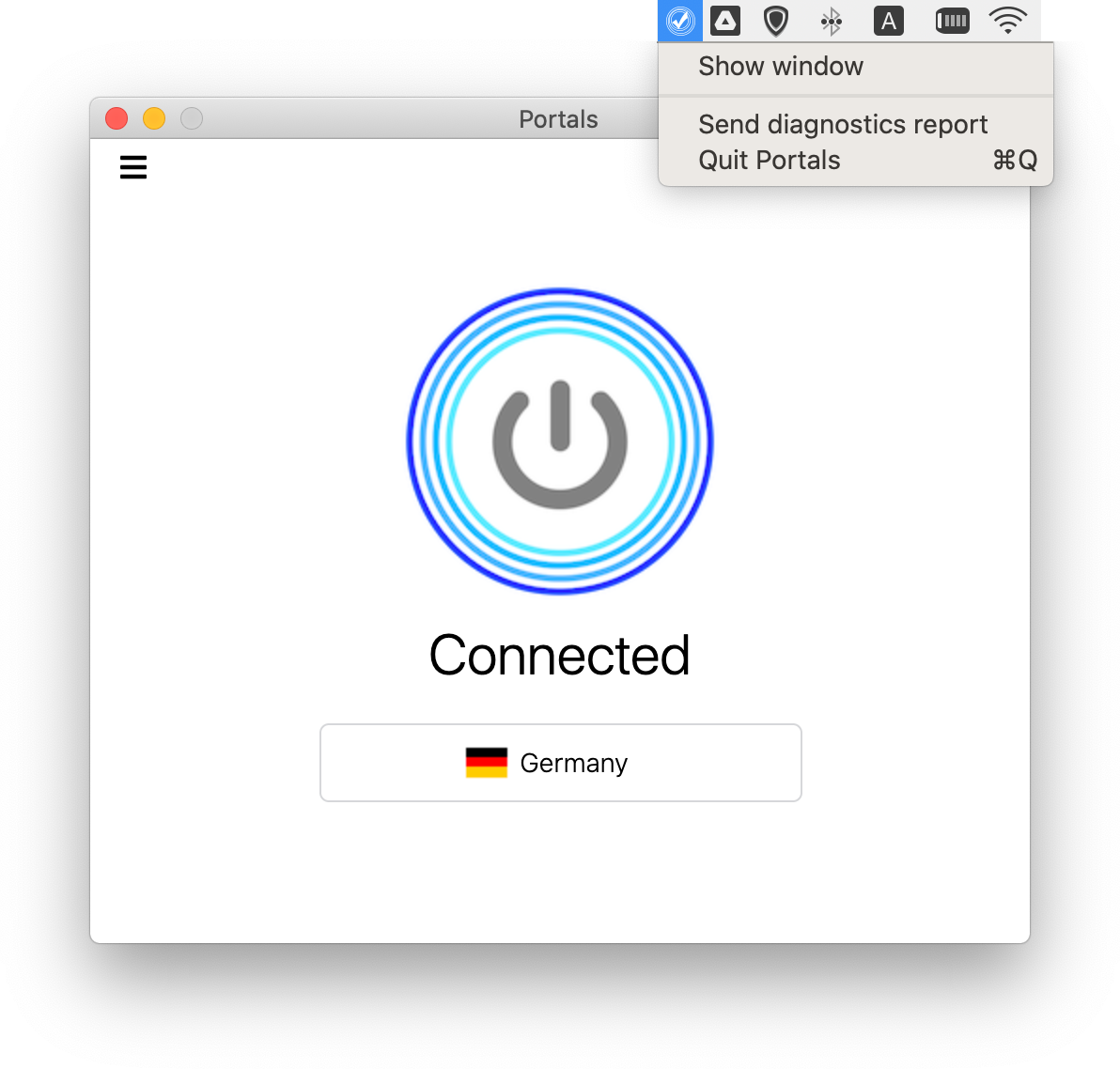
You’re connected
Once connected, you’re protected on public Wi-Fi and beyond.
How to use decentralized VPN?
We believe VPN should be integral part of everyone's internet toolkit. At best, one should connect & forget about it.
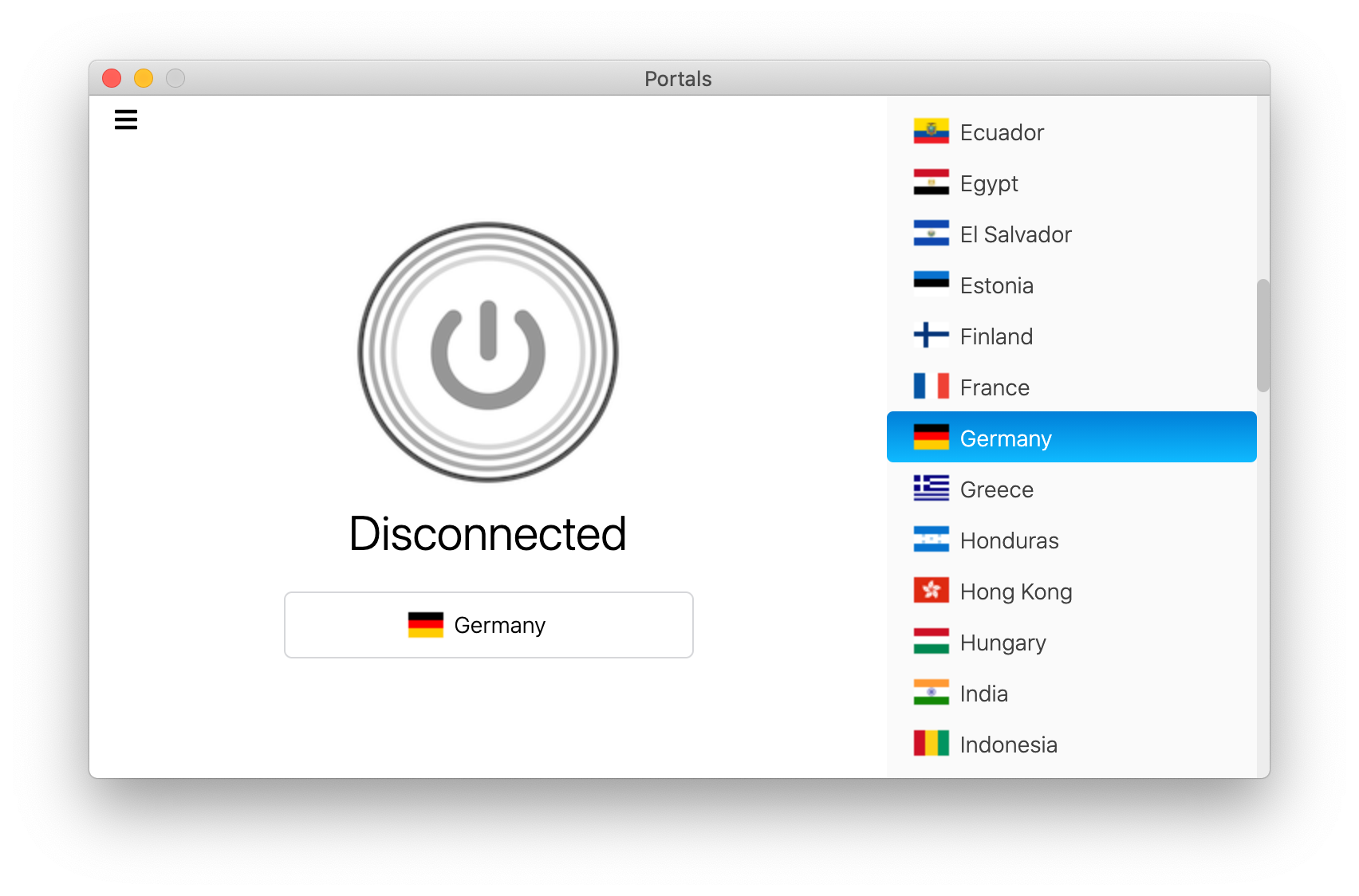
Change country if needed and click connect to turn on decentralized VPN. That's it.
Use Portals on 10
devices
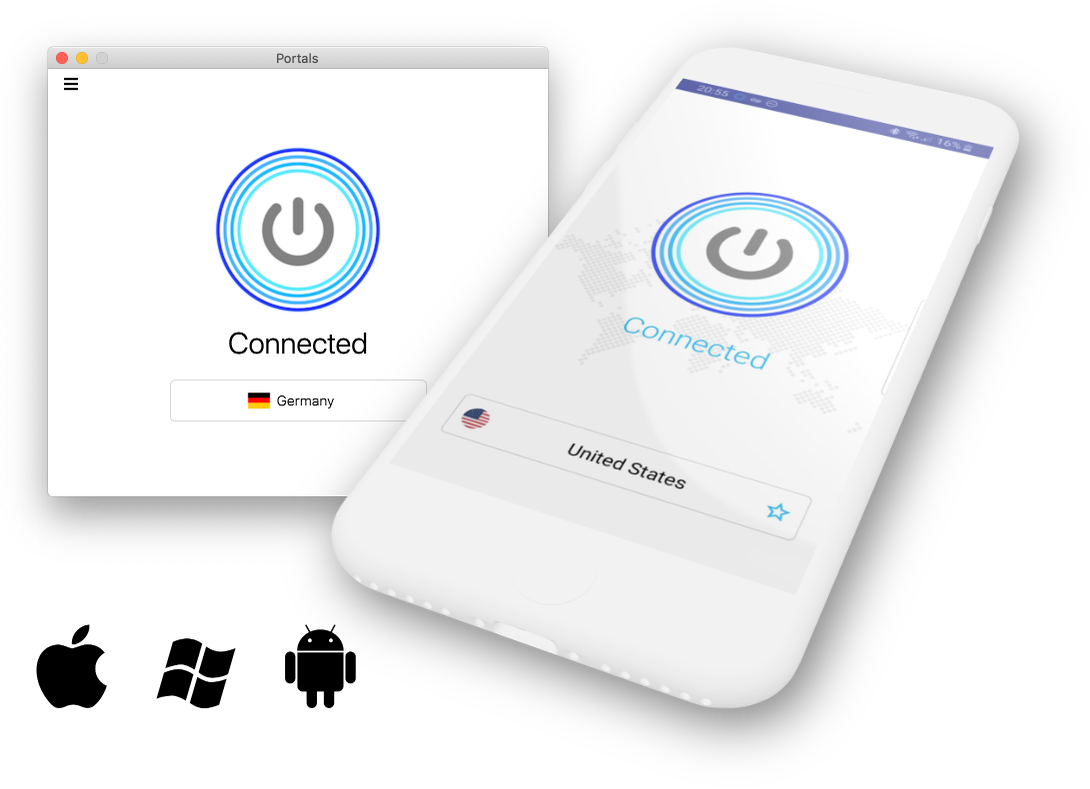
A single Portals subscription comes with easy-to-use apps for your Windows, MacOS, Linux, Android devices. Use Portals on 10 devices at the same time.